
AlternativesMac and iPhone
Dragon NaturallySpeaking alternative for Mac
Dragon NaturallySpeaking alternative for Mac: Dragon for Mac ended in 2018. Petal for Mac is free, open source, and transcribes on device.
Record a thought, a lecture, or a long walk-and-talk. Petal transcribes it on your iPhone and keeps every transcript searchable.

Free download for iPhone and Apple Watch. iOS 26.2 or later.

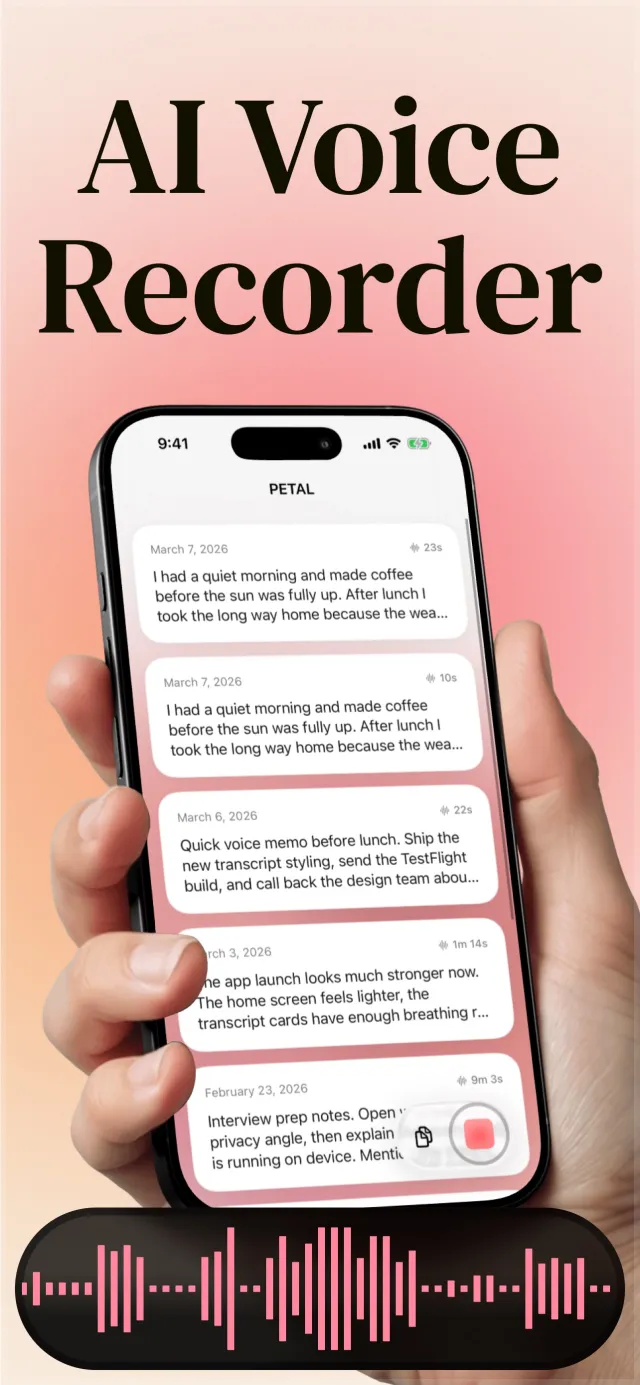
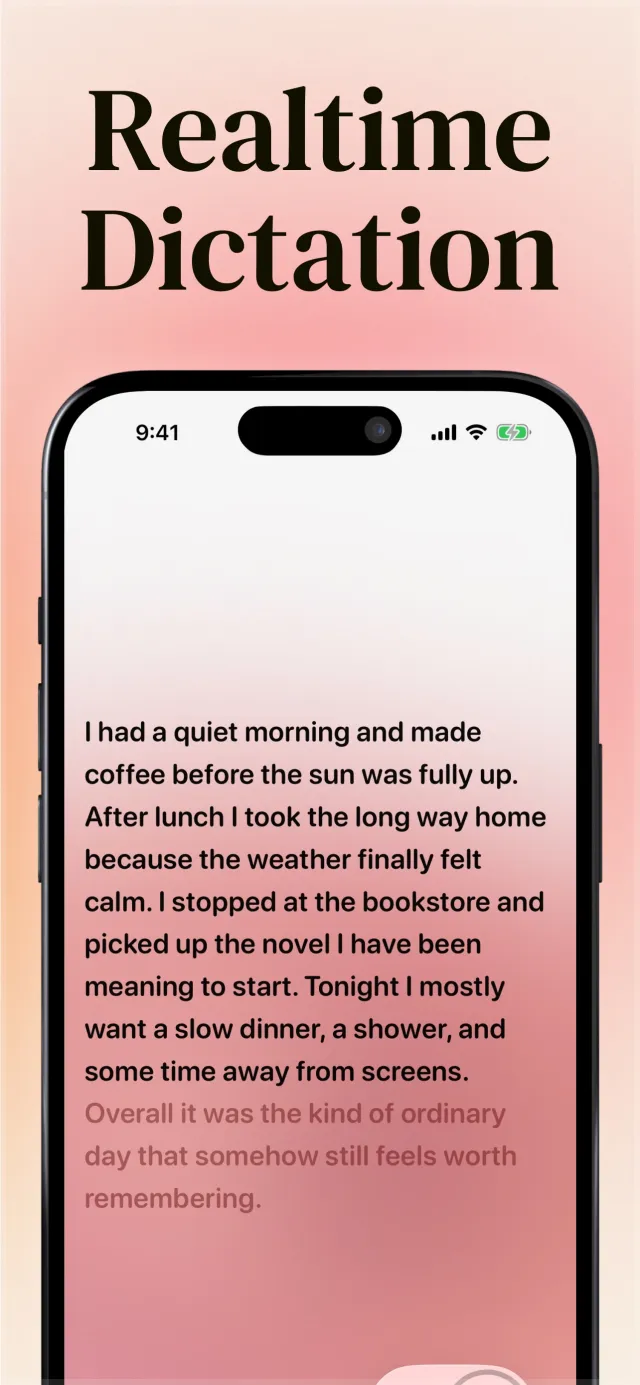
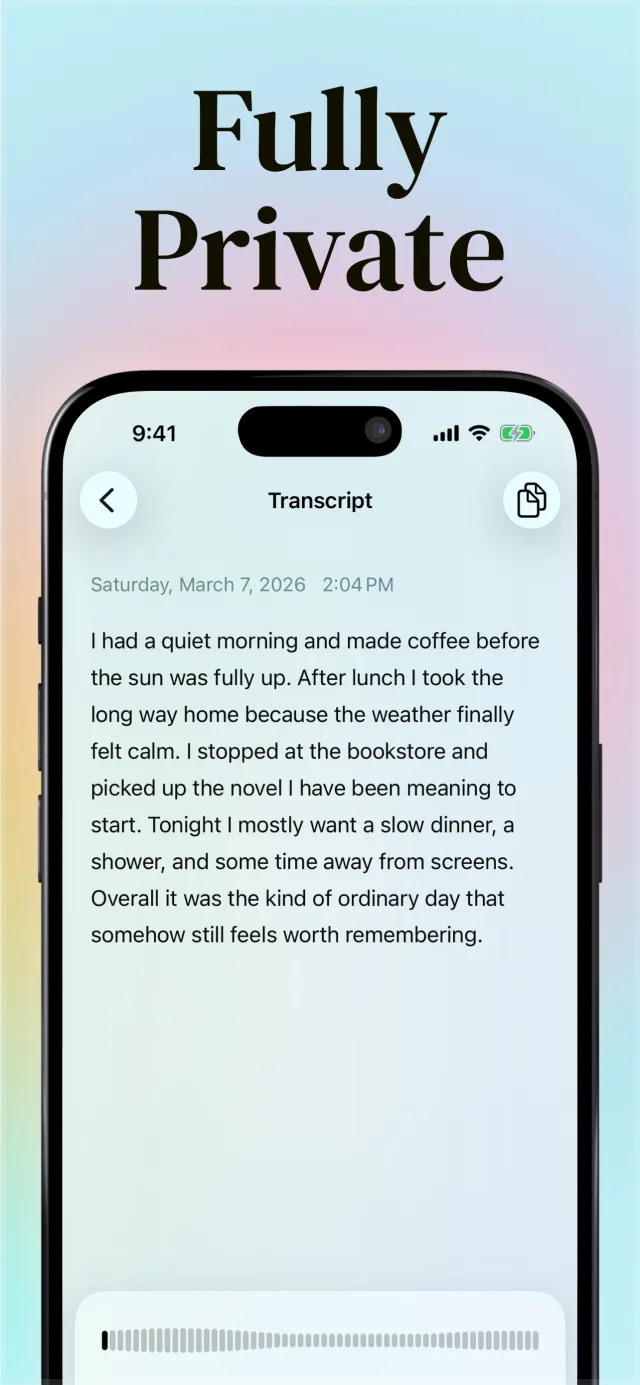
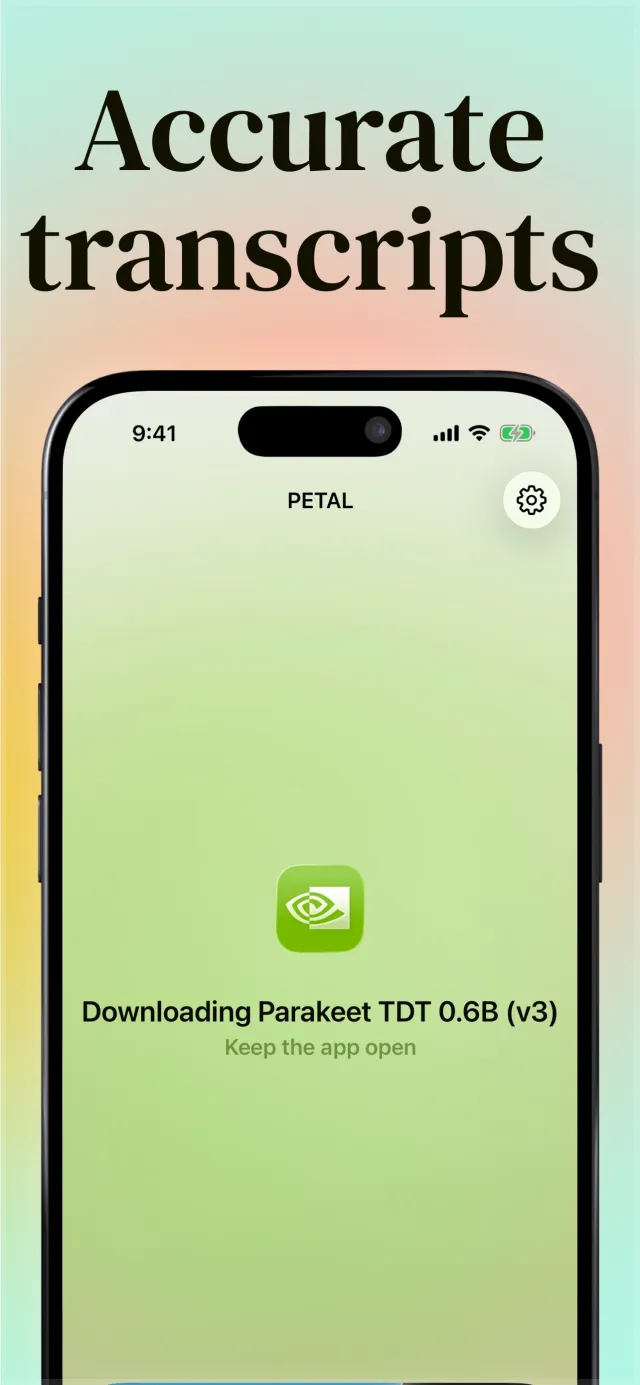
Petal saves the audio before transcription starts, so a crash does not lose your recording. The speech model runs on your iPhone.
Every recording becomes text in your history. Search for a word and go straight to the transcript that has it.
Add the Petal keyboard, tap the microphone, and speak. The text goes into the field you are typing in, in any app.
See a recording or a keyboard session on the Lock Screen and in the Dynamic Island, and stop it from there.
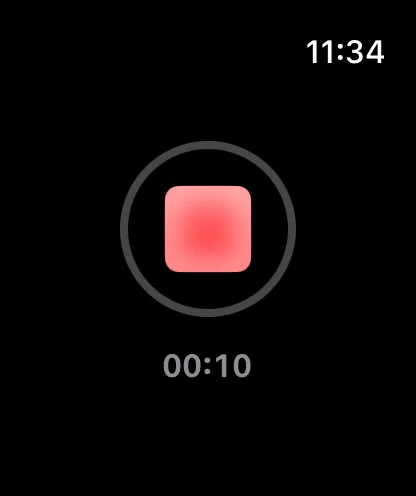
Start a recording on Apple Watch when your phone is in your pocket.

Petal is a free download. Petal Pro is an optional subscription in the app.
AlternativesMac and iPhone
Dragon NaturallySpeaking alternative for Mac: Dragon for Mac ended in 2018. Petal for Mac is free, open source, and transcribes on device.
FixesMac and iPhone
Dragon dictation microphone not working? Find your edition, reset the Windows default device and privacy toggles, then run Check Microphone again.
AlternativesiPhone
Need an alternative to iPhone dictation? Petal adds a dictation keyboard with on-device models, a Live Activity, and a saved history of each dictation.
Yes, after the speech model downloads. Petal uses Apple Speech only when you skip the model download.
Open Petal and follow the keyboard setup. It asks for microphone and speech recognition access, offers the model download, and then shows how to add the keyboard in Settings.
No. They are two apps with the same goal. Petal for Mac is free and open source. Petal for iPhone is a free download with optional Petal Pro.
Say it once. Petal writes it down.