
Petal for Mac
A menu bar app for dictation. Choose a speech model, press your shortcut, and type with your voice in any app.
- Free, MIT license
- On-device speech models
- Petal W1 cleanup on your Mac
- A Router for each app
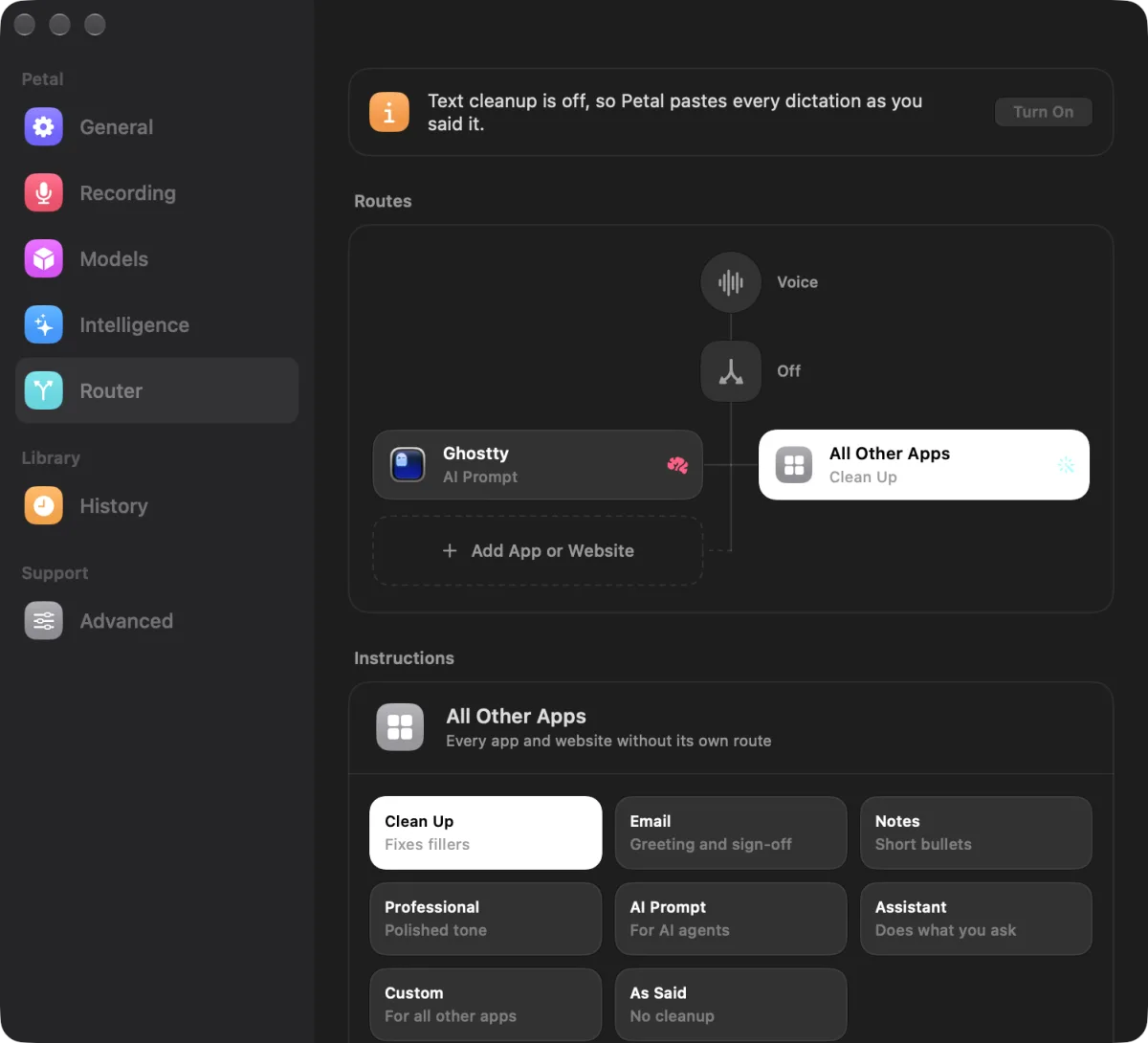
Press a shortcut, speak, and Petal pastes clean text into the app in front of you. Speech recognition runs on your device. Petal for Mac is free and open source.
Free and open source. macOS 15 or later on Apple Silicon. Use Windows? Get Petal for Windows on GitHub.
You say
Um, so I think we should uh move the launch to Friday, like, if the build is ready.
Petal pastes
I think we should move the launch to Friday if the build is ready.
A menu bar app for dictation. Choose a speech model, press your shortcut, and type with your voice in any app.
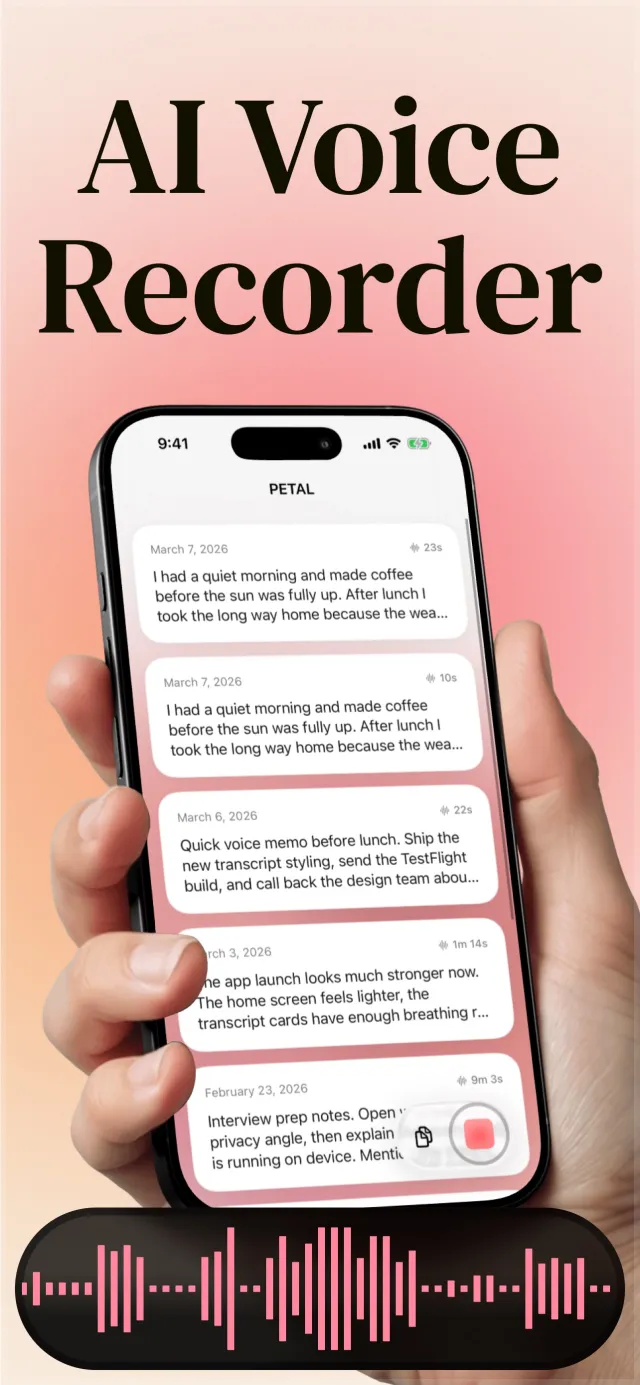
A voice recorder that transcribes on device. Record on your iPhone or your wrist, then find any phrase later.
A small capsule appears at the bottom of the screen and Petal starts to listen.
Pause, restart, or say um. The speech model on your Mac turns the audio into text.
Petal cleans up the text if cleanup is on, then pastes it into the app in front.
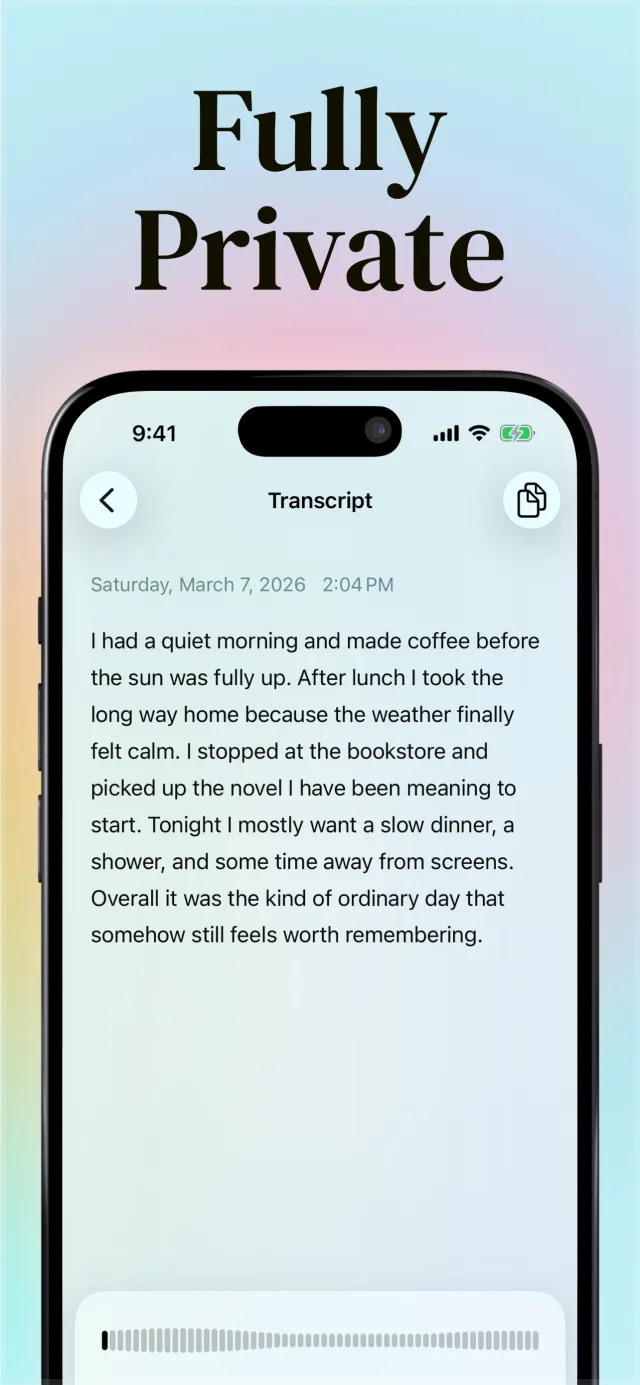
Petal works without an account. This is what stays on your device and what leaves it.
Petal runs open speech models from NVIDIA, OpenAI, Alibaba Qwen, and Mistral on your Mac, plus Apple Speech, which needs no download.
Fixes, comparisons, and how-to guides for dictation on Mac and iPhone.
FixesMac
Accessibility permission not working after update Mac? The grant follows the code signature. Remove and add the app, or run tccutil reset Accessibility.
AlternativesMac
Need an alternative to Apple Dictation on Mac? Petal adds model choice, on-device Petal W1 cleanup, and per-app routing, and can still use Apple Speech.
ComparisonsMac
The best dictation app for Mac depends on price, privacy, and offline use. Compare Petal, Apple Dictation, Wispr Flow, Superwhisper, and 4 more.
Petal for Mac is free and open source under the MIT license, with no word limit. Petal for iPhone is a free download with an optional Petal Pro subscription.
Yes, after you download a speech model. On the Mac, choose Petal W1 or Apple Intelligence for cleanup, or turn cleanup off, and the full path stays on your Mac.
No. Speech recognition runs on your device. If you choose a cloud model for cleanup, Petal sends the transcript text to the provider you pick, not the audio.
Petal for Mac needs macOS 15 or later on a Mac with Apple Silicon. Petal for iPhone needs iOS 26.2 or later.
Yes. Petal for Windows is a separate open-source project on GitHub.

Free and open source. macOS 15 or later on Apple Silicon.